Start by finding the real culprit
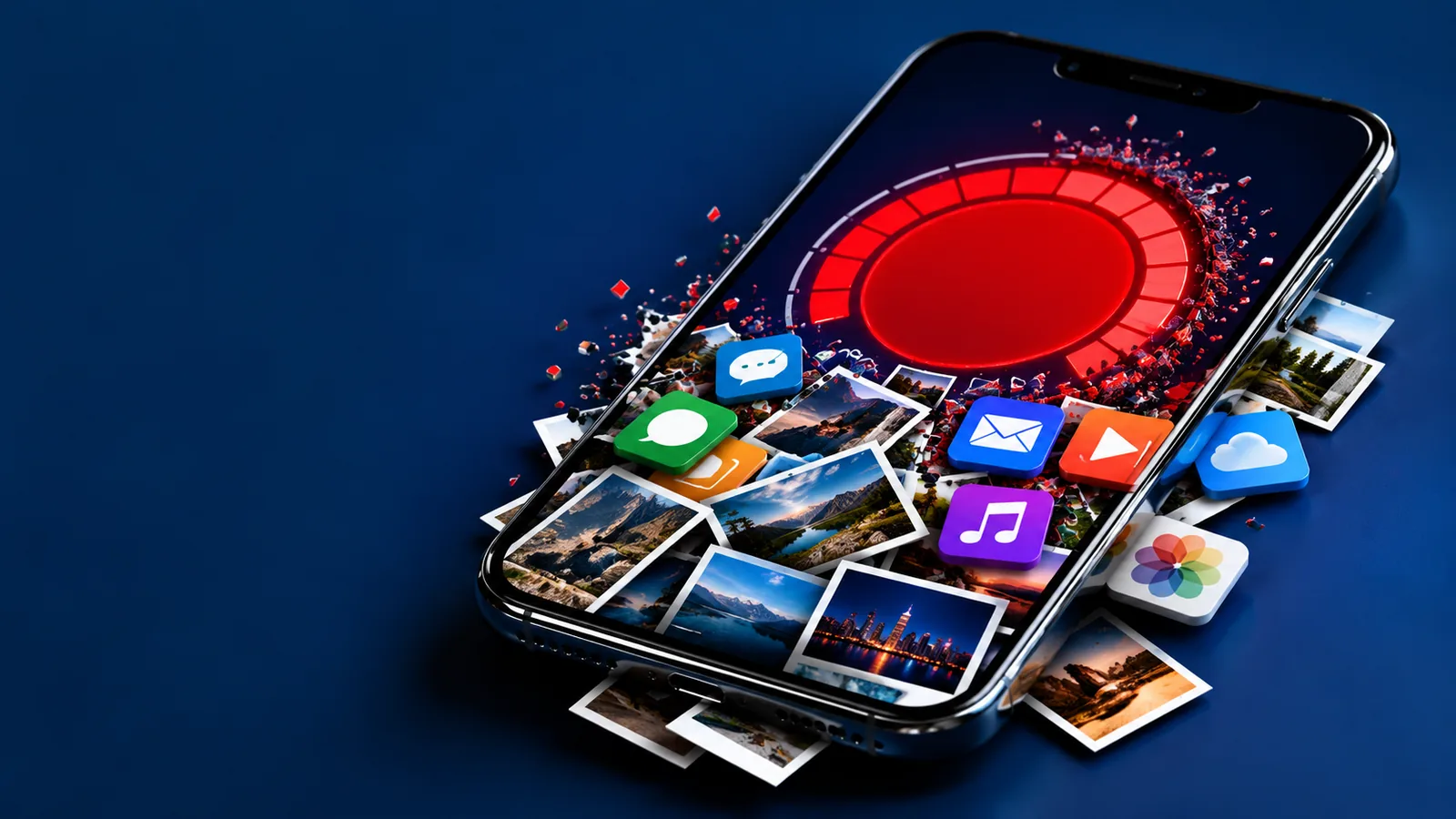
On iPhone, go to Settings, General, iPhone Storage; on Android, Settings, Storage. Both show what each app and type of file is using, and both suggest quick wins. The answer is often not your photo library but app data, downloaded videos and media from group chats.
Read also: Automatic backup: how to never lose your phone photos and files and What dark mode really changes on your phone.
What takes up space without you noticing
- App data and cache: social media, browsers and streaming apps keep temporary files that grow for months.
- Media from chats: photos and videos from WhatsApp, Messenger or iMessage group threads, saved automatically.
- Videos: one minute of 4K video can take more space than hundreds of photos.
- Offline downloads: Netflix episodes, Spotify playlists and podcasts you forgot about.
- Recently Deleted: deleted photos stay in that album for up to 30 days and still take space.
Before deleting anything personal
Only delete from your phone what already has a copy somewhere else. Check that iCloud Photos or Google Photos backup is on and that recent photos show up when you open your account on another device. See how to set up automatic backup.
The cleanup order that works
- Clear the cache of your biggest apps. On iPhone, use Offload App to keep data while removing the app; on Android, Clear cache in the app's storage settings.
- Delete chat media after checking your backup, and turn off automatic media download in messaging apps.
- Remove offline downloads from streaming apps; they come back with one tap.
- Uninstall apps you have not opened in months.
- Empty Recently Deleted in Photos.
- Finally, move old videos you want to keep to the cloud or a computer.
Frequently asked questions
Is it safe to clear app cache?
Yes. Cache is temporary data that the app rebuilds when needed. You will not lose your account or purchases.
Why is my storage still full after deleting photos?
Deleted photos stay in Recently Deleted for up to 30 days. Empty that album to free the space.
What is "Other" or "System Data" storage?
It includes caches, logs and temporary files. Clearing app caches and restarting the phone often reduces it.
Should I buy more cloud storage or a new phone?
Try the cleanup first. Often a few gigabytes come back just from chat media and offline downloads.