How hijacking usually happens
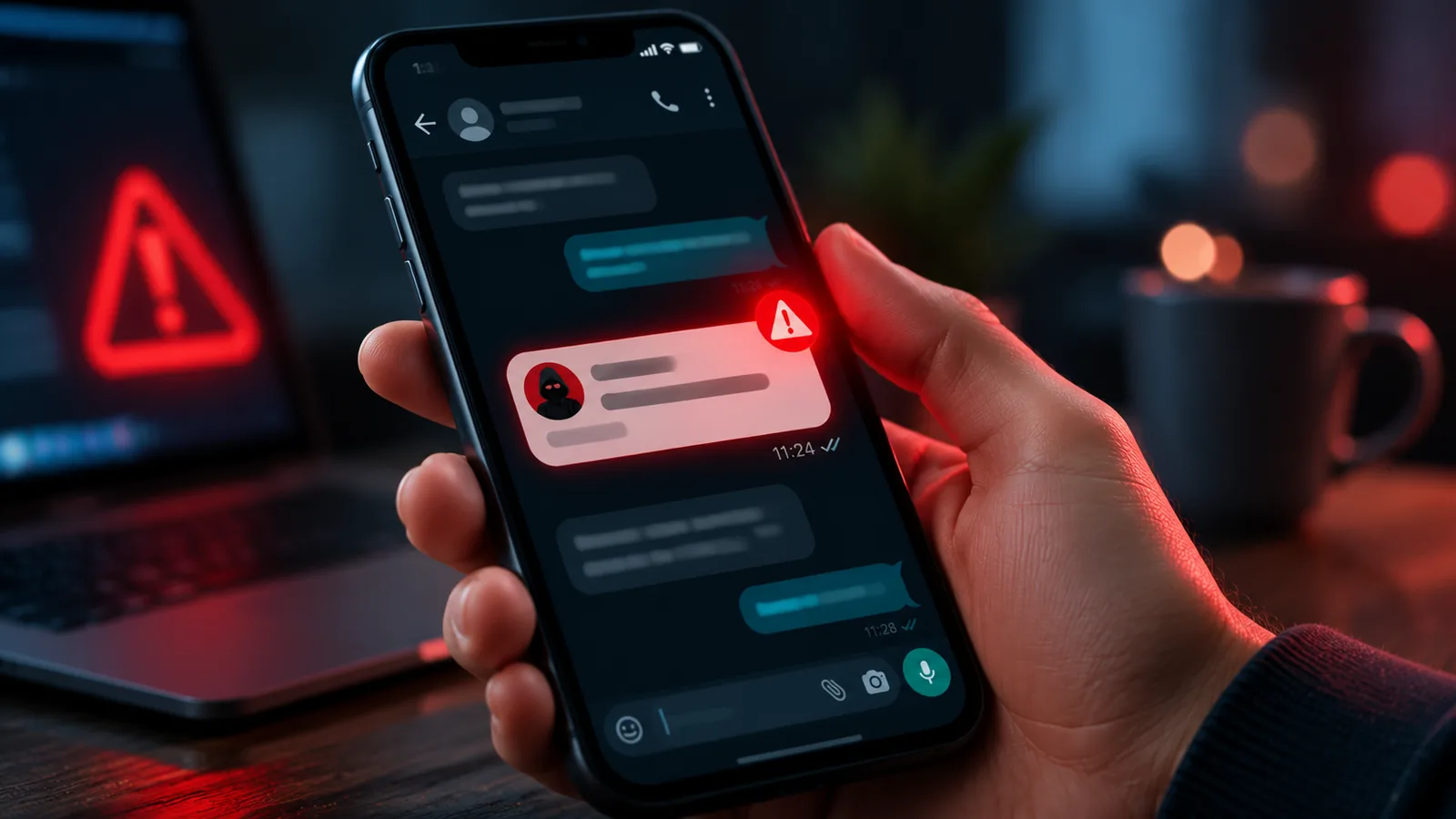
WhatsApp is the main way many families keep in touch with relatives abroad, and scammers know it. In most cases nobody hacks anything: the criminal convinces you to hand over the six-digit code WhatsApp sends by text, pretending to be a friend who "sent it to you by mistake," a delivery company or a contest. With that code, they register your number on their phone and lock you out.
Read also: Two-factor authentication: why to turn it on for every important account and Fake job scam on WhatsApp: how to spot it.
Signs your account was taken over
- you get a WhatsApp verification code you did not request;
- you are logged out of the app without doing anything;
- friends tell you they got requests for money in your name, often by Zelle, Venmo or gift cards;
- messages appear as read, or you are in groups you never joined;
- an unknown device shows up under Linked devices.
What to do right away, in order
- Take the account back: open WhatsApp on your phone (reinstall if needed) and verify your number with a new text code. Only one phone can use a number at a time, so confirming it on yours kicks the scammer out.
- Turn on two-step verification immediately afterwards.
- Log out of linked devices you do not recognize, under Settings, Linked devices.
- Warn your contacts and groups, through another channel such as a text or social media post, that someone used your name.
- If someone paid the scammer, they should contact their bank or the payment app right away and report it at ReportFraud.ftc.gov. Payment app transfers work like cash and are hard to reverse, so speed matters.
Source: Federal Trade Commission, Mobile Payment Apps: How To Avoid a Scam When You Use One.
The lock that stops most cases
WhatsApp's own two-step verification is a six-digit PIN you choose under Settings, Account, Two-step verification. Even with the text code in hand, nobody can register your account on another phone without that PIN. Add a recovery email when you set it up, in case you forget the PIN.
The golden rule still applies: never share a verification code with anyone, even a friend. For more on this kind of protection, see why to turn on two-factor authentication.
Sources
- Federal Trade Commission. Mobile Payment Apps: How To Avoid a Scam When You Use One. https://consumer.ftc.gov/articles/mobile-payment-apps-how-avoid-scam-when-you-use-one
Frequently asked questions
I got my account back. Is the scammer still in?
No. Confirming the new code on your phone ends their session. Turn on two-step verification right after.
How do I stop my WhatsApp from being hijacked?
Turn on two-step verification with a six-digit PIN and never share the code you get by text.
Can someone hijack my WhatsApp without me clicking anything?
In most cases the scammer needs your text code and gets it by tricking you into sharing it, so not sharing codes is your strongest defense.
Do I need to change my phone number?
Usually not. Verifying your number again on your phone restores control of the account.