Clues in the web address
A text says your package is on hold, an email says your account was locked, an ad offers a pair of sneakers at a third of the price. The link opens a page that looks exactly like the real brand. The most reliable clue is not the design, it is the address.
Small variations in the domain are among the most common signs: a swapped letter, a zero in place of an "o", an extra word or a different ending, such as .co or .shop instead of the official .com.
Read also: Two-factor authentication: why to turn it on for every important account and Fake job scam on WhatsApp: how to spot it.
The padlock does not mean the site is trustworthy
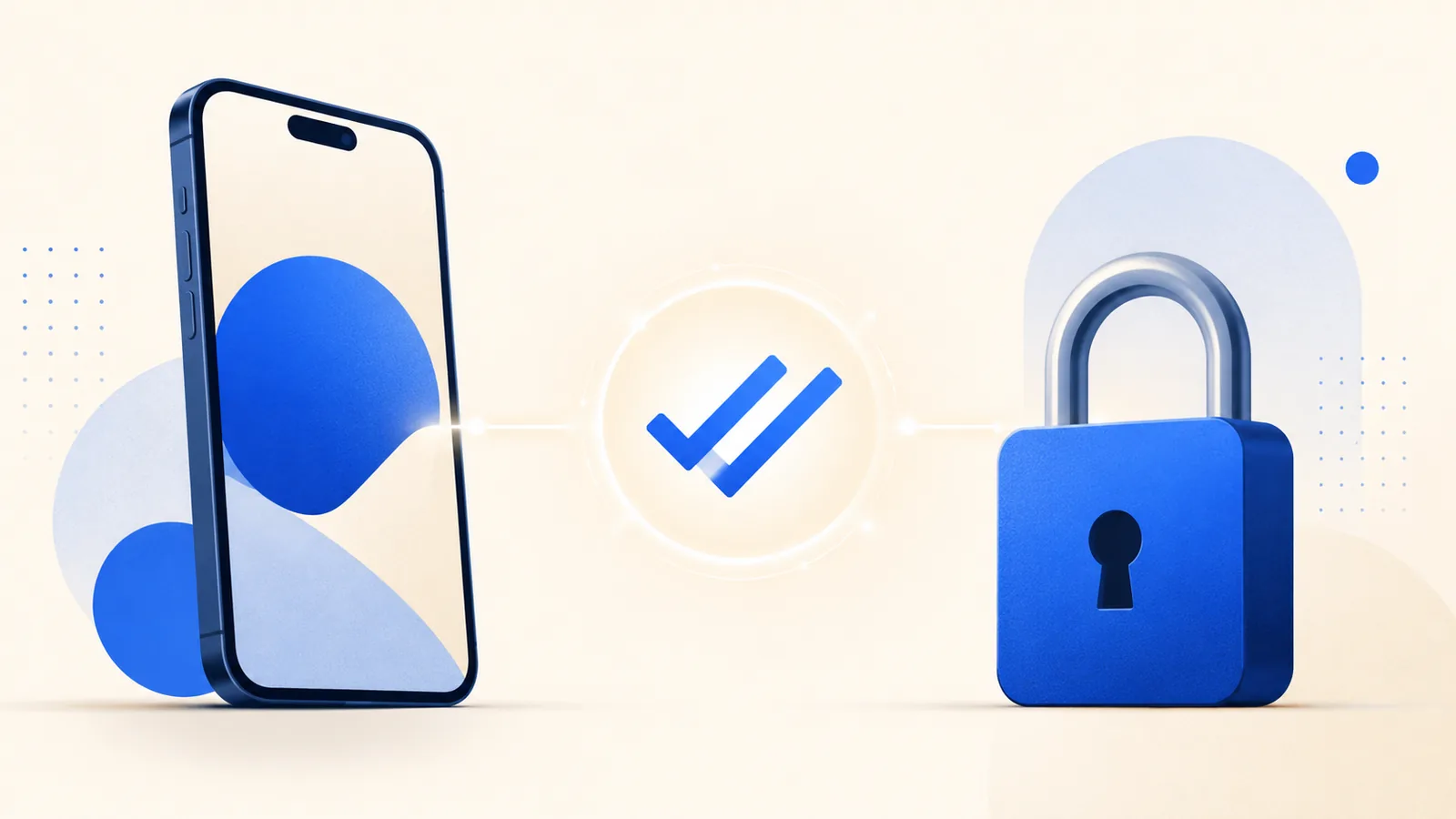
Many people learned that the padlock in the browser means a site is safe. It only means the connection is encrypted, and anyone can get a free certificate for a fake site. The padlock protects the road, not who is waiting at the other end.
What matters is the real domain: the part right before the first single slash. Scammers build addresses that put the brand name up front to fool a quick glance, in the style of "bank.com.secure-login.net". In that example, the site you are actually on is secure-login.net.
Source: Federal Trade Commission, How to Recognize and Avoid Phishing Scams.
Visual and behavior red flags
Fake sites often have small inconsistencies: odd wording or grammar mistakes, blurry logos, broken links in the menu and pop-ups demanding personal data the moment you arrive. Another strong sign is asking for something the real site would never ask at that step, like your full card number and security code just to "confirm your identity."
Brand-new domains are another warning. Many cloned stores exist for only a few weeks, and you can check a domain's registration date with free WHOIS lookup tools.
Quick checklist before you type a password
- Type the address yourself or use a saved bookmark, instead of tapping a link from a text or email.
- Read the domain slowly, letter by letter, especially on a phone, where the address bar is cut short.
- Be suspicious of urgency and too-good-to-be-true prices, the two triggers scams rely on most.
- Look for a real address and phone number in the footer, and check that they exist.
- Check the reputation by searching the store name with words like "scam" or "reviews", and look it up with the Better Business Bureau.
- Pay with a credit card, which offers stronger dispute rights, and walk away if the site only accepts wire transfers, gift cards, crypto or payment apps like Zelle.
You can also paste a suspicious address into Google's Safe Browsing site status tool, which shows whether the site has been flagged as dangerous.
Source: Google Transparency Report, Safe Browsing site status.
If you already typed your password
Go to the real site by typing the address yourself and change the password right away. If you use the same password anywhere else, change it there too, starting with your email. If you entered card details, call the number on the back of your card. And turn on two-factor authentication, so a stolen password alone is not enough next time. You can report the scam at ReportFraud.ftc.gov.
Sources
- Federal Trade Commission. How to Recognize and Avoid Phishing Scams. https://consumer.ftc.gov/articles/how-recognize-and-avoid-phishing-scams
- Google Transparency Report. Safe Browsing site status. https://transparencyreport.google.com/safe-browsing/search
Frequently asked questions
How can I tell if an online store is legit?
Check the domain, look for a real address and phone number, search for reviews and complaints, and be wary of prices far below the market.
Does the padlock mean a site is safe?
No. It only means the connection is encrypted. Fake sites can have a padlock too. The domain is what you need to check.
How do I check a link I received?
The safest move is not to tap it. Go to the official site by typing the address or searching for the brand name yourself.
What should I do if I typed my password on a fake site?
Change it immediately on the real site and on any other account that uses the same password, starting with your email.